Check My IP: The Complete Guide to Finding and Understanding Your IP Address
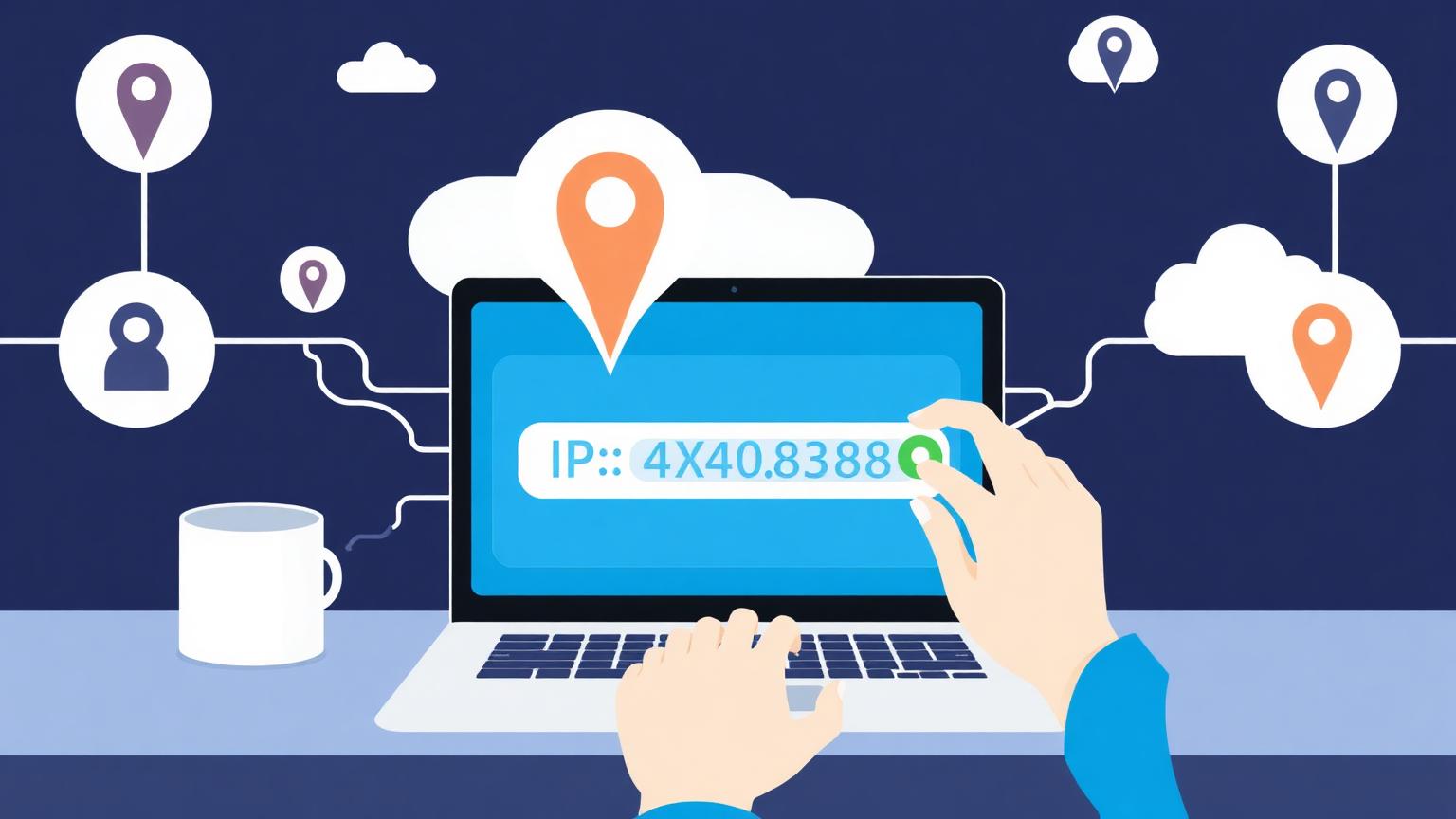
Every time you go online, your device announces itself with a unique identifier. If you have ever wondered how to check my IP address, what it reveals about you, or whether you should hide it, this guide explains everything in plain language. We will cover what an IP address is, the easiest ways to check my IP, the difference between IPv4 and IPv6, what your IP exposes about your location and internet provider, and the best privacy tools you can use to stay safe.
What Does It Mean to Check My IP Address?
An IP address (Internet Protocol address) is a string of numbers assigned to your device whenever it connects to the internet. Think of it like a return address on a letter: without it, websites would not know where to send the data you request. When you check my IP, you are essentially looking up the public-facing identifier your internet service provider (ISP) has given your network.
There are two main types of IP addresses you should know about:
- **IPv4** addresses look like `192.168.1.1` and are the most common format today.
- **IPv6** addresses are longer, like `2001:0db8:85a3::8a2e:0370:7334`, and were introduced because the world is running out of IPv4 addresses.
When you visit any website, that site can instantly see your public IP. Free tools — including the IP Finder Hub homepage — let you check my IP in one click and reveal exactly what others see.
Why You Might Want to Check My IP
There are dozens of practical reasons to check my IP address regularly. Here are the most common:
1. **Troubleshooting internet problems.** If your connection is slow or websites are blocked, your IP can help diagnose ISP routing issues.
2. **Confirming a VPN is working.** After connecting to a VPN, you should always check my IP to make sure it shows the VPN server location, not your real one.
3. **Setting up remote access.** Configuring a home server, security camera, or gaming console often requires knowing your public IP.
4. **Detecting location-based content blocks.** Streaming services use your IP to decide which shows you can watch.
5. **Verifying online privacy.** A quick IP lookup tells you what trackers, advertisers, and websites can learn about you.
How to Check My IP in Under 10 Seconds
The fastest way to check my IP is to open a free online IP checker. Visit IP Finder Hub and your public IPv4 address, approximate location, ISP name, and timezone appear instantly — no software, no signup, no ads in the way.
If you prefer using your operating system, here is how to check my IP locally:
- **Windows:** Open Command Prompt and type `ipconfig`. Look for "IPv4 Address" under your active adapter (this shows your local IP, not the public one).
- **macOS:** Open Terminal and type `ifconfig | grep inet` for your local IP. For the public IP, run `curl ifconfig.me`.
- **Linux:** Use `ip addr show` for local addresses or `curl ifconfig.me` for the public IP.
- **iPhone or Android:** Go to Wi-Fi settings, tap your connected network, and scroll to "IP Address" for the local IP. Use a browser-based tool to check my public IP.
Remember: your **local IP** (like `192.168.x.x`) is only visible inside your home network. Your **public IP** is what websites and services see, and it is the one that matters for privacy.
What Information Is Revealed When I Check My IP?
A simple IP lookup reveals more than most people expect. When you check my IP through a quality tool, you typically see:
- **Geolocation data:** city, region, country, and approximate coordinates.
- **ISP and network provider:** the company supplying your internet connection.
- **Timezone:** derived from your geolocation.
- **Connection type:** residential, business, mobile, or hosting/VPN.
- **ASN (Autonomous System Number):** identifies the network your IP belongs to.
Your IP does not reveal your name, exact street address, or browsing history — but combined with cookies and browser fingerprints, advertisers can build a surprisingly accurate profile of you. That is why privacy-aware users check my IP regularly and take steps to mask it when needed.
How to Hide Your IP Address After You Check My IP
If you check my IP and feel uncomfortable with how exposed your location is, you have several proven options to hide it:
### 1. Use a VPN (Virtual Private Network)
A VPN routes your traffic through a remote server, replacing your real IP with one belonging to the VPN provider. Reputable services like Mullvad, Proton VPN, and NordVPN encrypt your traffic end to end. Always check my IP after connecting to confirm the swap worked.
### 2. Use the Tor Browser
Tor bounces your connection through three volunteer-run relays, making it extremely hard to trace. It is slower than a VPN but provides much stronger anonymity. Perfect for journalists, activists, and anyone who wants serious privacy.
### 3. Use a Proxy Server
Proxies are similar to VPNs but usually do not encrypt traffic. They are a lightweight option for bypassing simple geo-blocks but should not be trusted for sensitive activity.
### 4. Switch to Mobile Data
If you only need a different IP temporarily, disconnecting from Wi-Fi and using mobile data instantly gives you a new public IP from your carrier.
How Often Does My IP Address Change?
Most home connections use **dynamic IPs**, meaning your ISP can assign you a new address whenever your router reconnects. Some users have **static IPs** that never change — common for businesses hosting their own servers. To find out which type you have, check my IP today, restart your router, and check again. If the number is different, you have a dynamic IP.
Is It Safe for Websites to See My IP?
For everyday browsing, yes. Sharing an IP is a normal part of how the internet works. The risk comes when bad actors combine your IP with other data to track you, target you with ads, or attempt attacks. Best practices include:
- Keep your operating system and router firmware updated.
- Use a trusted VPN on public Wi-Fi.
- Enable a firewall on your devices.
- Periodically check my IP to confirm nothing unexpected is exposed.
Frequently Asked Questions About How to Check My IP
**Can someone hack me if they know my IP?**
Knowing your IP alone is not enough to hack you, but it can be the starting point for targeted attacks. A VPN dramatically reduces this risk.
**Is it illegal to hide my IP?**
No. Using a VPN, proxy, or Tor to mask your IP is legal in most countries. Always check local laws if you live somewhere with strict internet regulations.
**Can I check my IP on mobile?**
Yes. Any modern browser can load an IP checker like IP Finder Hub. The tool works identically on phones, tablets, and computers.
**Why does the city in my IP lookup look wrong?**
IP geolocation is approximate. It typically reflects the location of your ISP's nearest routing facility, which may be a nearby city rather than your exact town.
Final Thoughts
Knowing how to check my IP is a small but powerful step toward owning your online presence. Whether you are debugging a connection, setting up a server, testing a VPN, or simply curious about what websites see, an IP lookup takes seconds and provides genuine insight. Bookmark a reliable tool like IP Finder Hub, get familiar with what your IP reveals, and use a VPN or Tor whenever you want a private connection. Your data — and your peace of mind — are worth it.