Get Client IP Address API: Complete Developer Guide (2026)
The **get client IP address API** is one of the most common building blocks in modern web development. Whether you're building analytics, fraud detection, geolocation features, rate limiting, or personalization, you need a reliable way to detect a visitor's IP address. In this guide, you'll learn how a client IP API works, the best providers to use, real code examples in JavaScript, Python, and PHP, and how to correctly extract the client IP on your own server behind a proxy.
What Is a Get Client IP Address API?
A **client IP address API** is a simple HTTP endpoint that returns the public IP address of whoever called it. You make a request from a browser or server, and the API responds with the caller's IPv4 or IPv6 address — usually as plain text or JSON.
A typical request looks like this:
`GET https://api.ipify.org?format=json`
And the response:
`{ "ip": "203.0.113.45" }`
That's it. The "API" is really just a public endpoint that echoes back the source IP of the TCP connection. From there, you can enrich the IP with geolocation, ASN, ISP, threat intelligence, or VPN/proxy detection data using extended APIs.
Why Use a Client IP API Instead of Detecting It Yourself?
If you're building a frontend (React, Vue, mobile app, etc.), you **cannot** read the user's public IP from the browser alone. Browsers don't expose the IP to JavaScript for privacy reasons. The only reliable way is to call an external endpoint that sees the request's source IP and returns it.
Common reasons developers reach for a get client IP address API:
- **Frontend IP detection** without running your own backend
- **Geolocation** for currency, language, or content personalization
- **Fraud and abuse prevention** — flag suspicious IPs
- **Rate limiting** by IP in serverless functions
- **Analytics** — country, region, ISP breakdowns
- **Compliance** — GDPR/CCPA region detection
Top Client IP Address APIs (2026)
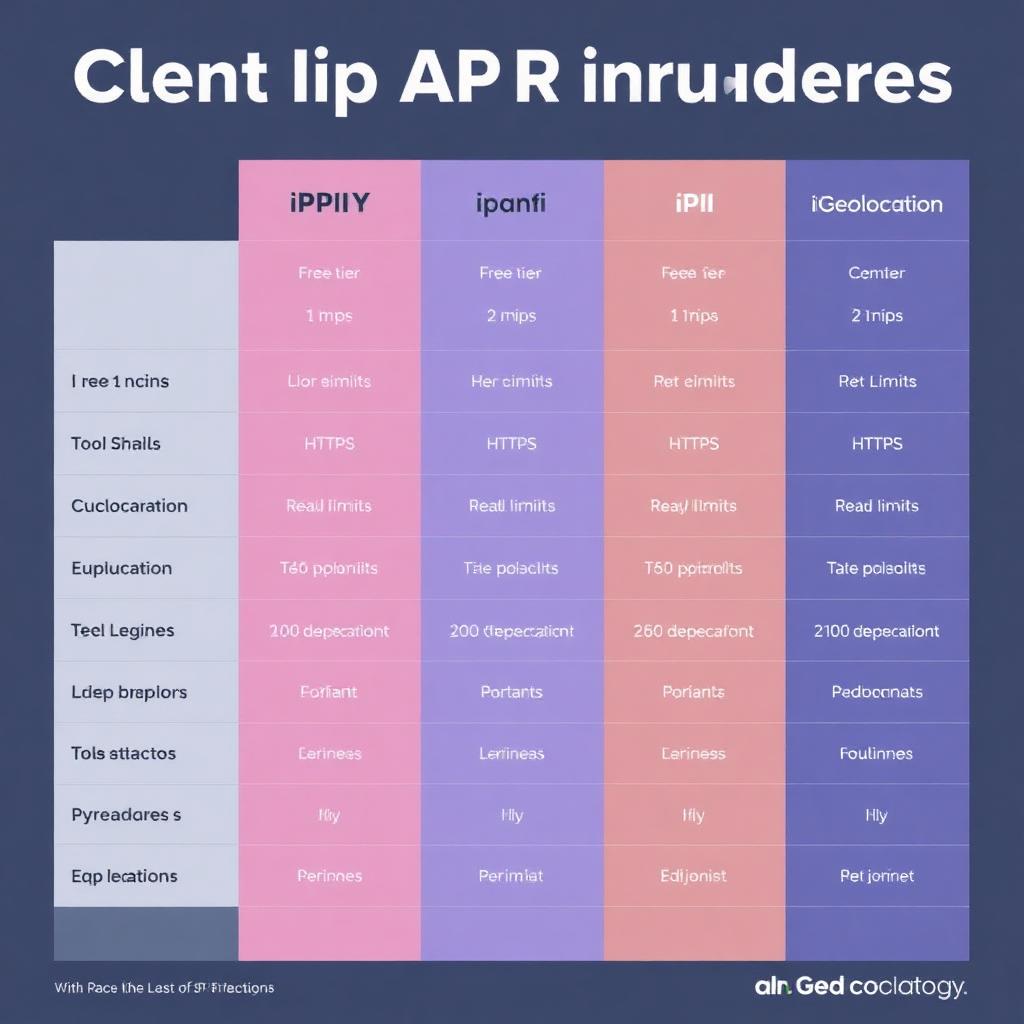
Here are the most popular and reliable APIs for getting a client IP address:
### 1. ipify
The simplest and most widely used. Free, unlimited, HTTPS, no API key required.
`https://api.ipify.org?format=json`
Returns only the IP. Pair it with another API for geolocation.
### 2. ipapi.co
Free tier (1,000 requests/day), HTTPS, includes geolocation, ASN, and timezone in a single call.
`https://ipapi.co/json/`
### 3. ipinfo.io
Generous free tier (50,000/month), accurate ISP and company data, used by many SaaS apps.
`https://ipinfo.io/json`
### 4. ip-api.com
Free for non-commercial use (45 requests/minute), rich JSON with city, region, ISP, and mobile/proxy detection.
`http://ip-api.com/json/`
### 5. ipgeolocation.io
Paid tiers with VPN/proxy/Tor detection, currency, and timezone data.
For a privacy-focused, instant lookup of your own IP, you can also use [IP Atlas](https://ipfinderhub.lovable.app) which detects IPv4 and IPv6 plus geolocation in one click.
Code Example: Get Client IP in JavaScript (Browser)
The fastest way to get a visitor's IP from the frontend:
`fetch('https://api.ipify.org?format=json').then(r => r.json()).then(d => console.log(d.ip));`
With geolocation in the same call:
`fetch('https://ipapi.co/json/').then(r => r.json()).then(d => console.log(d.ip, d.city, d.country_name));`
Code Example: Get Client IP in Node.js (Server-Side)
When the request hits your own backend, the client IP is already available — but you must read it correctly because reverse proxies (Nginx, Cloudflare, AWS ALB, Vercel, Cloudflare Workers) sit between the user and your app.
`app.get('/ip', (req, res) => { const ip = req.headers['x-forwarded-for']?.split(',')[0] || req.socket.remoteAddress; res.json({ ip }); });`
In Express, enable `app.set('trust proxy', true)` so `req.ip` returns the real client IP from `X-Forwarded-For` automatically.
Code Example: Get Client IP in Python
Using the `requests` library to call ipify:
`import requests; print(requests.get('https://api.ipify.org?format=json').json()['ip'])`
In Flask, behind a proxy, use `ProxyFix`:
`from werkzeug.middleware.proxy_fix import ProxyFix; app.wsgi_app = ProxyFix(app.wsgi_app, x_for=1)`
Code Example: Get Client IP in PHP
`$ip = $_SERVER['HTTP_CF_CONNECTING_IP'] ?? $_SERVER['HTTP_X_FORWARDED_FOR'] ?? $_SERVER['REMOTE_ADDR']; echo $ip;`
Always validate with `filter_var($ip, FILTER_VALIDATE_IP)` before storing or trusting it.
Server-Side: Reading the Real Client IP Behind a Proxy
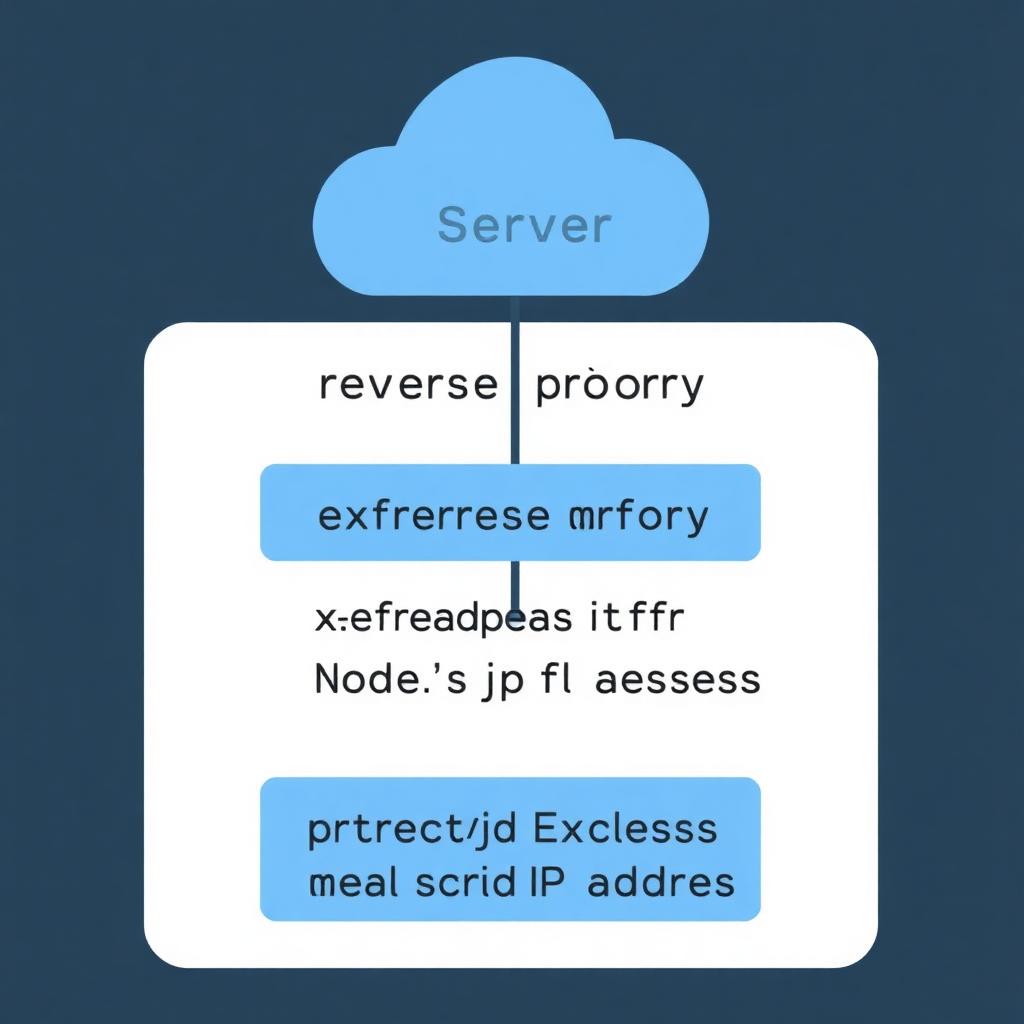
When your app sits behind a CDN or load balancer, `req.socket.remoteAddress` returns the **proxy's** IP, not the user's. You need to read forwarded headers — but only trust them when you control the proxy chain.
Common headers, in order of preference:
- `CF-Connecting-IP` — Cloudflare's trusted client IP
- `True-Client-IP` — Akamai, Cloudflare Enterprise
- `X-Real-IP` — set by Nginx
- `X-Forwarded-For` — comma-separated chain; the **first** entry is the original client
Security warning: never blindly trust `X-Forwarded-For` from the public internet. A malicious user can spoof it. Only trust it when the request comes from a known proxy IP range (Cloudflare, your load balancer).
Real-World Example: Building a "Show My IP" Widget
Here's a complete React example that uses a get client IP address API to display the visitor's IP and country:
`useEffect(() => { fetch('https://ipapi.co/json/').then(r => r.json()).then(setData); }, []);`
Then render `data.ip`, `data.city`, and `data.country_name`. This pattern powers thousands of "What is my IP" tools, login security pages, and personalization widgets.
Best Practices When Using a Client IP API
- **Cache results** in `sessionStorage` so you don't hit the API on every page load
- **Handle failures gracefully** — APIs go down; show a fallback
- **Respect privacy laws** — IP addresses are personal data under GDPR
- **Use HTTPS endpoints** to prevent man-in-the-middle tampering
- **Rate-limit your own clients** so you don't burn through free tiers
- **Combine APIs** — use ipify for the IP and ipapi.co for geolocation if your provider has limits
FAQs About Get Client IP Address APIs
### Can I get a user's IP address with JavaScript alone?
No. Browsers don't expose the public IP to JavaScript. You must call a server endpoint — either a third-party API like ipify or your own backend — to learn the client IP.
### Is it legal to log client IP addresses?
In most jurisdictions, yes, but IP addresses are considered personal data under GDPR and CCPA. Disclose the practice in your privacy policy and have a lawful basis (security, analytics, fraud prevention).
### Which client IP API is best for free production use?
**ipify** for pure IP detection (unlimited, free) and **ipapi.co** for IP plus geolocation (1,000/day free). For higher volume, **ipinfo.io** offers 50,000 free requests per month.
### Why does the API return a different IP than my server logs?
Your server is likely behind a proxy or CDN, so server logs may show the proxy IP. The API sees the real public IP your connection exits from. Configure `trust proxy` and read `X-Forwarded-For` to align them.
### Can users hide their IP from these APIs?
Yes. Users on a VPN, proxy, or Tor will return the VPN/proxy IP instead of their real one. Premium APIs like ipgeolocation.io and ipinfo.io can flag VPN and proxy traffic.
### Will I get IPv4 or IPv6?
Both. Modern APIs return whichever the connection used. To force IPv4 only, call `https://api.ipify.org` (which has an IPv4-only DNS variant) or `https://api4.ipify.org`. For IPv6, use `https://api6.ipify.org`.
### How do I get the client IP in serverless functions (Vercel, Netlify, Cloudflare Workers)?
Each platform passes the client IP via headers: Vercel uses `x-forwarded-for`, Cloudflare Workers exposes `request.headers.get('cf-connecting-ip')`, and Netlify uses `x-nf-client-connection-ip`. Always read these instead of TCP-level addresses.
### Is there latency in calling a client IP API?
Yes — typically 50–200ms. To minimize impact, call it once per session, cache the result, and load it asynchronously after your main UI renders.
Conclusion
A **get client IP address API** is the simplest path from "I need the user's IP" to working code. For frontend-only apps, ipify and ipapi.co cover most needs. For backends, read `X-Forwarded-For` carefully and only trust it from known proxies. Combine the two approaches — API on the frontend, header parsing on the backend — for accurate, resilient IP detection across browsers, mobile apps, and serverless functions. Once you have the IP, you can layer on geolocation, fraud scoring, and personalization to unlock real product value.