IP Finder Hub: The All-in-One IP Address Lookup Tool
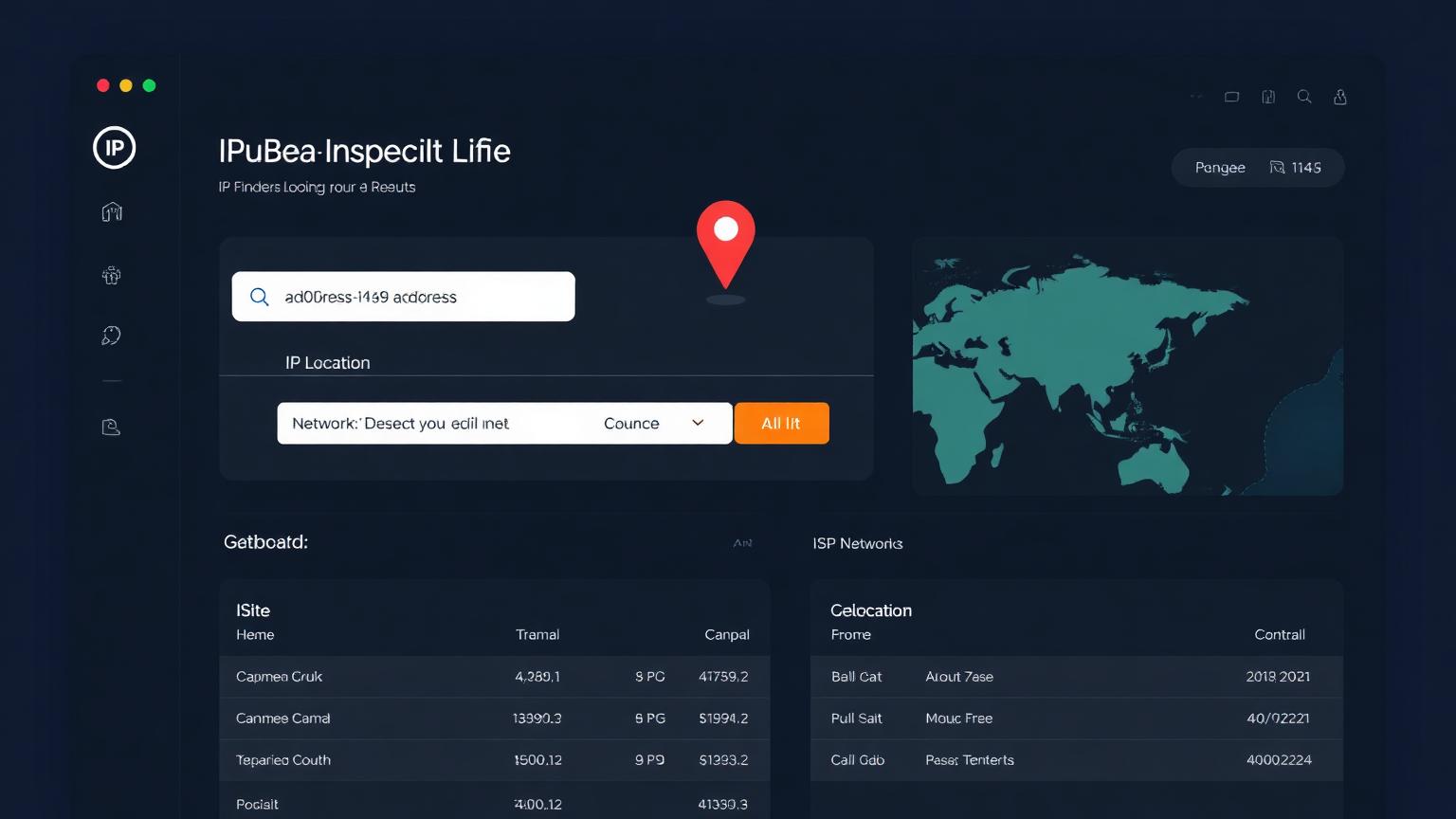
IP Finder Hub is a fast, accurate, and privacy-friendly IP address lookup tool built for everyday users, network administrators, and security professionals. Whether you want to check your own public IP, investigate a suspicious connection, or verify the location of a remote server, IP Finder Hub gives you the answers in seconds — with no installation, no account, and no clutter.
In this guide, we will explore what IP Finder Hub is, why it matters, and the most practical ways to use it for privacy, troubleshooting, and digital security.
What Is IP Finder Hub?
IP Finder Hub is a web-based IP address lookup platform that instantly reveals the most important details about any IPv4 or IPv6 address. With a single click, it shows you your public IP, your approximate geographic location, your Internet Service Provider (ISP), the network organization behind the IP, the timezone, and the connection type. Unlike many "what is my IP" sites, IP Finder Hub combines multiple geolocation providers under the hood, so you get the most reliable result possible — even when one data source returns "unknown".
The tool is designed around three principles: speed, accuracy, and clarity. Results load in milliseconds, the interface is uncluttered, and every data point is labeled in plain language so non-technical users can understand exactly what they are looking at.
Why Use an IP Lookup Tool?
Your IP address is the digital equivalent of a return address on a letter. Every time you connect to a website, stream a video, or send an email, your IP travels with that request. Knowing your IP — and understanding what others can see about it — is the first step toward smarter online privacy. IP Finder Hub helps you answer questions like: Is my VPN actually working? Why is a website showing content for the wrong country? Where is this login attempt coming from? Is my ISP leaking my real location?
These are not edge cases. Millions of people troubleshoot streaming errors, region-locked content, and security alerts every day, and the answer almost always starts with an IP lookup.
Key Features of IP Finder Hub
IP Finder Hub goes far beyond just showing a number. Each lookup returns a complete profile of the IP address, including:
- **Public IP detection** for both IPv4 and IPv6 connections
- **Geolocation data** including country, region, city, and approximate coordinates
- **ISP and organization name** so you can identify the network owner
- **Timezone information** with the exact IANA timezone identifier
- **Connection type** such as residential, business, hosting, or mobile
- **VPN and proxy hints** to help you confirm whether anonymization is active
Every field is sourced from multiple providers and merged intelligently, which is why IP Finder Hub rarely shows the dreaded "unknown" placeholder that plagues other free tools.
Top Uses for IP Finder Hub
### 1. Verify Your VPN Connection
A VPN is only useful if it actually hides your real IP. Open IP Finder Hub before connecting to your VPN and note your IP, location, and ISP. Then connect to your VPN and reload the page. If the IP, city, and ISP all change to match your VPN provider, your tunnel is working. If anything still shows your real ISP or your home city, you have a leak — and IP Finder Hub just saved you from a false sense of security.
### 2. Troubleshoot Streaming and Region Errors
Ever seen "this content is not available in your region" even though you are in the right country? Streaming services geolocate by IP, and sometimes their database is wrong. Use IP Finder Hub to confirm what country your IP currently maps to. If it does not match where you actually are, you have proof to share with customer support — or a sign that you should switch networks.
### 3. Investigate Suspicious Login Attempts
When your email provider warns you about a login from an unfamiliar location, paste that IP into IP Finder Hub. You will instantly see the country, ISP, and whether the connection came from a known hosting provider — a strong signal that someone may be using a server-based attack rather than a real device.
### 4. Diagnose Network and DNS Problems
Network engineers use IP Finder Hub to confirm that traffic is exiting through the right gateway, that a CDN edge node is serving the closest region, and that DNS responses resolve to the expected IP. Because the tool also reveals the ASN and organization, it is a quick way to verify routing without spinning up command-line utilities.
### 5. Check Server and Hosting Locations
Buying a VPS or signing up for a hosting plan? Drop the server IP into IP Finder Hub to confirm the data center location. This matters for latency-sensitive applications, GDPR compliance, and SEO geotargeting.
How IP Finder Hub Protects Your Privacy
IP Finder Hub does not store your IP address, log your lookups, or build a profile of your activity. Every query runs through secure HTTPS, and the tool only displays the information that is already publicly visible to any website you connect to. There are no trackers, no ads following you around the web, and no required sign-up. Your privacy is the product, not the price.
How to Use IP Finder Hub in Three Steps
1. Open IP Finder Hub in any modern browser on desktop or mobile.
2. Click the lookup button — your public IP, location, ISP, and timezone appear instantly.
3. To investigate any other IP address, paste it into the search field and view the full report.
That is the entire workflow. No accounts, no downloads, no command line.
Why IP Finder Hub Is Different
Most free IP lookup tools rely on a single geolocation database, which means inaccurate results, missing ISP names, and wrong timezones. IP Finder Hub queries several providers in parallel and merges the responses, prioritizing the most trustworthy values. The result is a cleaner, more complete report — and far fewer "unknown" fields. Combined with the privacy-first design and a modern interface, IP Finder Hub stands out as the lookup tool you can actually rely on.
Final Thoughts
Your IP address quietly powers almost everything you do online. Understanding it is no longer optional — it is essential for privacy, security, and basic troubleshooting. IP Finder Hub makes that understanding effortless. Whether you are a casual user verifying a VPN, a developer checking a server, or a security analyst tracking a suspicious login, IP Finder Hub gives you the answers in seconds.
Bookmark IP Finder Hub today and run a lookup the next time something feels off. A single click might be the difference between a privacy leak and peace of mind.