My IP: What It Means, How to Check It, and How to Protect It
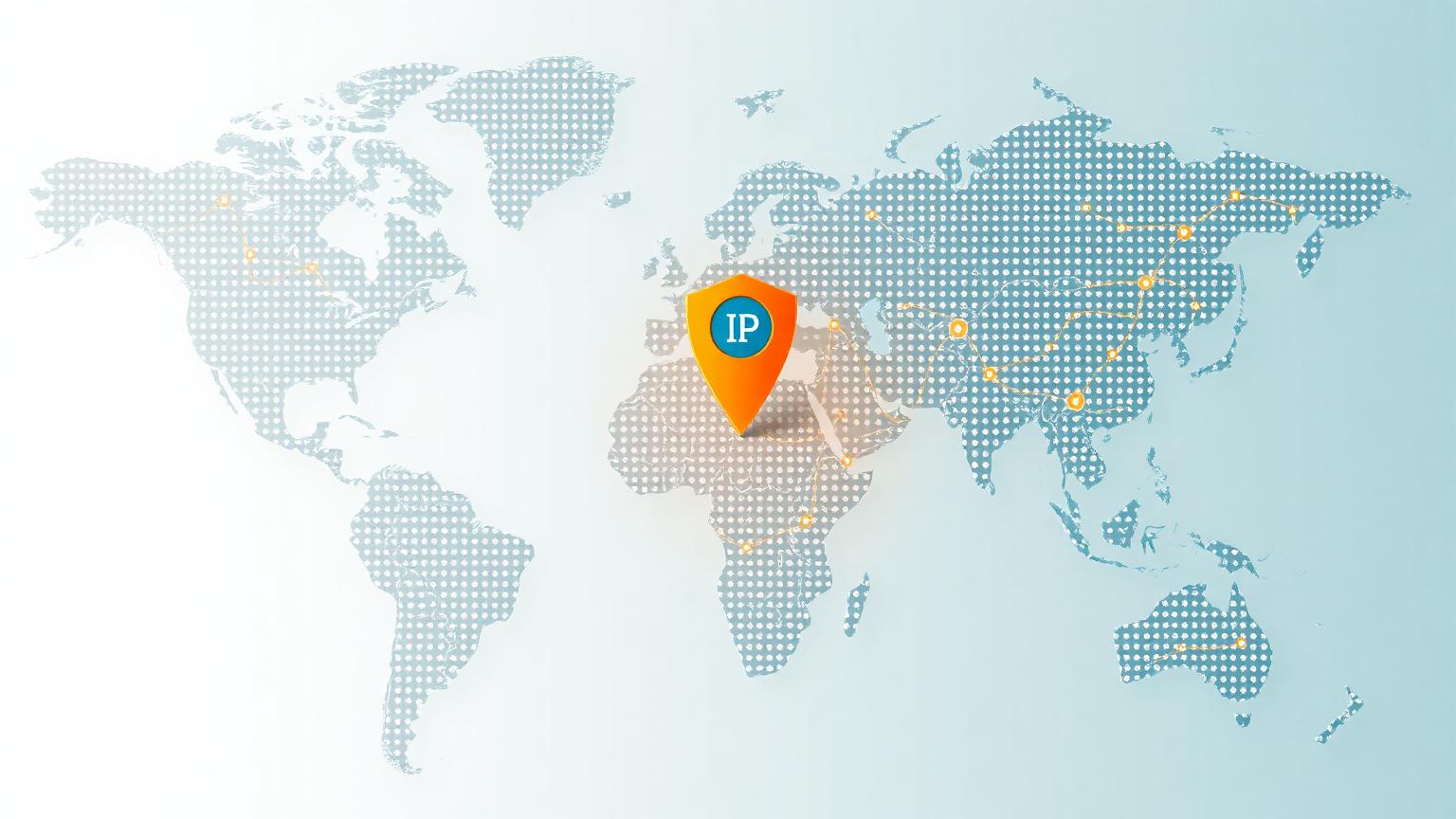
When people search for “My IP,” they usually want a fast answer: what is my current IP address, where does it appear to be located, and what does it say about my internet connection? Your IP address is the public label your device or network uses when it communicates with websites, apps, streaming services, email providers, and online tools. It is not the same as your name or home address, but it can reveal useful technical details, including your approximate location, internet service provider, connection type, and sometimes whether you are using a VPN, proxy, or mobile network.
Understanding My IP is important because it sits at the center of everyday internet activity. Every time you open a website, your browser sends a request from your network to that website’s server. The server needs an address so it knows where to send the response. That address is your IP address. Without it, pages would not load, video calls would not connect, and online accounts would not know where requests are coming from. In simple terms, your IP address is the return address for your internet traffic.
There are two common types of IP addresses: IPv4 and IPv6. IPv4 addresses look like four sets of numbers, such as 192.0.2.1. IPv6 addresses are longer and use letters and numbers, created because the internet needed far more address combinations. When you check My IP on an IP lookup website, you may see one or both versions depending on your network, device, router, and internet provider. Neither format is automatically dangerous, but both can be used to identify your connection on the public internet.
A My IP lookup can also show geolocation details. This usually includes country, region, city, postal area, latitude, longitude, time zone, and ISP. However, IP location is approximate. It often points to your provider’s network hub rather than your exact street address. For example, a person in a smaller town may appear to be browsing from a nearby large city because that is where the provider routes traffic. This is normal, and it is why IP lookup results should be treated as helpful estimates rather than perfect identity records.
Your IP address matters for privacy because websites can log it. Analytics tools, security systems, advertising networks, fraud detection platforms, and content delivery networks may use IP data to understand traffic patterns, block suspicious behavior, localize content, or enforce regional restrictions. If you repeatedly visit a website, your IP address can become one signal among many that helps identify a returning visitor. It is usually combined with cookies, browser fingerprints, account logins, device settings, and behavior patterns.
Searching My IP can also help you troubleshoot connection problems. If a website blocks you, your IP may have been flagged because of unusual traffic, shared network abuse, or VPN usage. If your internet service feels slow, checking your IP can confirm whether you are connected through your normal provider or a VPN server. If a work tool only allows access from approved IP addresses, knowing your current public IP helps you request access or diagnose why a login attempt failed. For remote workers, developers, gamers, and network administrators, IP awareness is practical, not just technical.
There is also a difference between a public IP address and a private IP address. Your public IP is visible to websites and internet services. Your private IP is used inside your home or office network, usually assigned by your router to devices like phones, laptops, printers, and smart TVs. Private IPs often start with ranges such as 192.168, 10, or 172.16 through 172.31. When you search My IP online, the result is your public IP, not the local address assigned to your device behind the router.
If you want to protect your My IP information, the most common tool is a VPN. A VPN routes your traffic through another server, so websites see the VPN server’s IP address instead of your regular public IP. This can reduce direct exposure of your provider and approximate location, especially on public Wi-Fi. However, a VPN is not a magic invisibility cloak. The VPN provider can still see connection activity depending on its systems, and websites can still identify users through logins, cookies, browser data, and behavior. Choose reputable VPN providers with clear privacy policies, strong encryption, and transparent ownership.
Another option is using privacy-focused browsers and careful tracking controls. Blocking third-party cookies, clearing site data, limiting browser extensions, and avoiding unnecessary account logins can reduce how much your IP is connected to a larger profile. Secure DNS services may also improve privacy by limiting who can observe the domain names you request. For sensitive browsing, combining a trusted VPN, HTTPS websites, strong browser privacy settings, and cautious account behavior offers a more complete privacy approach than relying on one tool.
My IP information is also important for security. If you notice logins from unfamiliar IP addresses in your account history, that can be a warning sign. Many services show recent sessions with IP location data so users can detect suspicious access. Because IP geolocation is approximate, an unfamiliar city does not always mean compromise, especially on mobile networks or VPNs. Still, if you see an unknown device, unexpected country, or repeated failed attempts from strange IPs, change your password, enable two-factor authentication, and review your account security settings.
Businesses use IP address data to protect websites from abuse. Rate limiting, firewall rules, spam prevention, bot detection, and fraud scoring often depend partly on IP reputation. A single IP can be associated with legitimate users, automated bots, infected devices, or shared VPN traffic. This is why some public networks, hotel Wi-Fi connections, school networks, and VPN endpoints may experience more captchas or temporary blocks. If that happens, switching networks, disabling a VPN, or contacting the site owner may resolve the issue.
For SEO and website owners, My IP content is valuable because users have clear intent. They want immediate information, but they also benefit from explanations about privacy, location accuracy, VPNs, security, and troubleshooting. A strong My IP page should load quickly, show the detected IP address clearly, include useful metadata such as ISP and location, and explain what the data means in plain language. It should also include descriptive image alt text, structured headings, internal links to related guides, and a concise meta description so search engines understand the page topic.
The safest way to think about My IP is this: your IP address is not your full identity, but it is a meaningful piece of your digital footprint. It helps the internet function, supports security systems, and enables location-based services, but it can also be logged and analyzed. Checking your IP regularly can help you understand your connection, confirm VPN behavior, troubleshoot blocks, and make better privacy decisions. Whether you are a casual user, remote worker, gamer, marketer, or site owner, knowing what My IP reveals gives you more control over how you appear online.