What Is My IP? How to Find and Understand Your IP Address
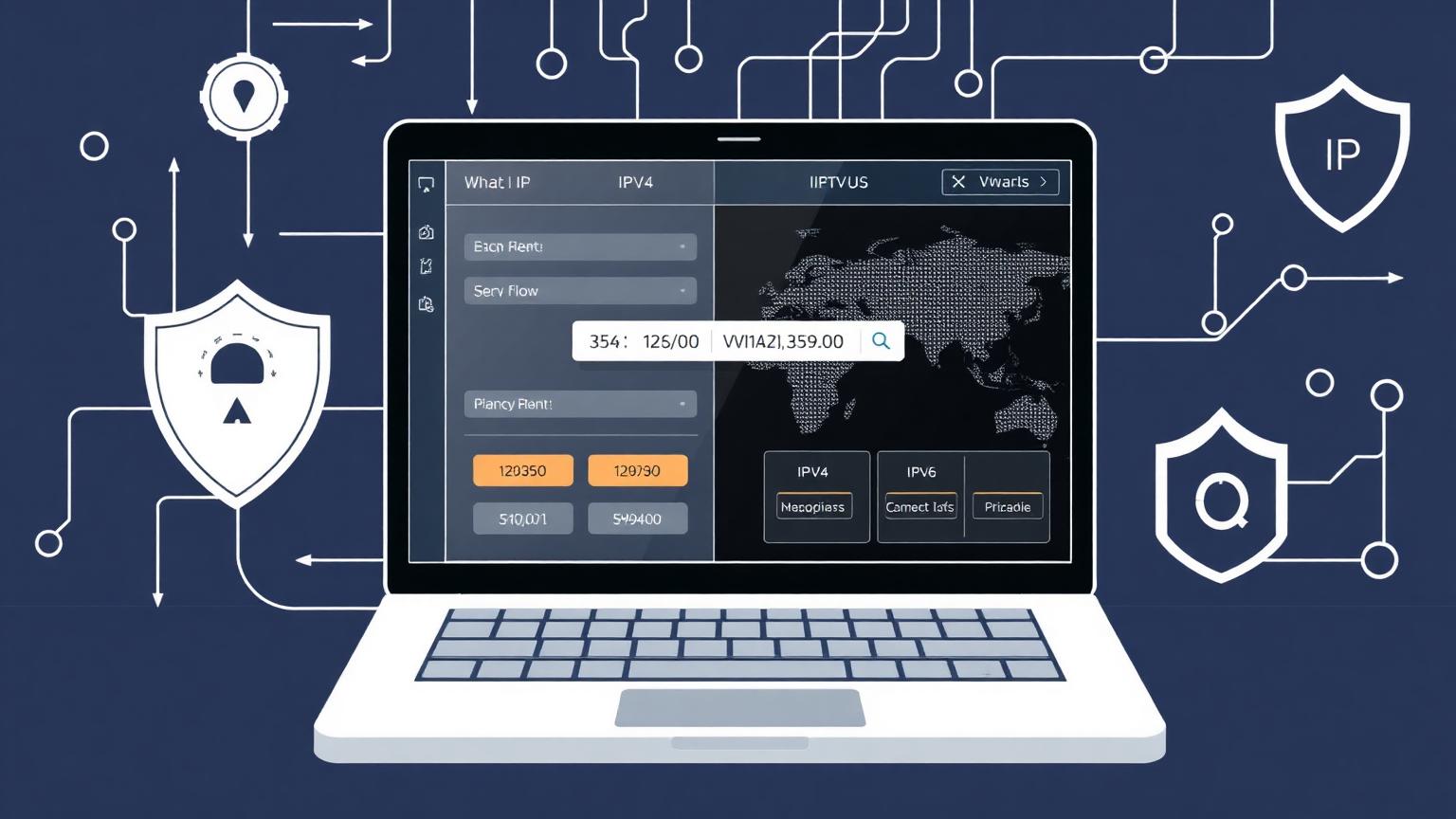
If you have ever typed “what is my ip” into a search engine, you were probably looking for one simple answer: the public address your device is using on the internet right now. Your IP address is a digital return address. It allows websites, apps, email servers, streaming platforms, and online services to send information back to your phone, laptop, router, or office network. Without an IP address, the internet would not know where to deliver the pages, videos, messages, and files you request.
What Is My IP Address?
An IP address, short for Internet Protocol address, is a unique number assigned to a device or network when it connects online. When you ask “what is my ip,” you are usually asking for your public IP address. This is the address visible to websites and online services. It may belong directly to your device, but more often it belongs to your router or mobile network, which then shares the connection with devices inside your home or business.
There are also private IP addresses. These are used inside local networks, such as your home Wi-Fi. For example, your laptop may have a private address assigned by your router, while your router has the public address shown by an IP lookup tool. Private addresses help your devices communicate with each other, but they are not normally visible to the wider internet.
IPv4 and IPv6 Explained
When people search “what is my ip,” they may see either an IPv4 address, an IPv6 address, or both. IPv4 is the older and more familiar format. It looks like four groups of numbers separated by dots, such as 192.0.2.24. IPv4 has been used for decades, but the internet grew so large that the world started running out of available IPv4 addresses.
IPv6 is the newer format designed to solve that shortage. It uses longer combinations of numbers and letters separated by colons. IPv6 can support an enormous number of addresses, making it better suited for modern internet growth, smart devices, mobile networks, and future online services. If your internet provider supports IPv6, a good IP checker may show both your IPv4 and IPv6 addresses.
Why Your IP Address Matters
Your IP address is important because it connects your online activity to a network and approximate location. Websites use it to deliver content, detect region, prevent abuse, improve security, and personalize services. Streaming platforms may use your IP location to decide which content library to show. Banks and email providers may compare your IP address with your normal sign-in pattern to detect suspicious access.
For website owners and digital marketers, IP information can help with analytics, fraud prevention, advertising rules, and server security. For everyday users, knowing your IP address can help troubleshoot internet problems, configure routers, set up remote access, test a VPN, or understand what information websites may see when you visit them.
What Information Can an IP Lookup Show?
A “what is my ip” lookup can usually show your public IP address, internet service provider, network organization, approximate city, region, country, and time zone. Some tools can also identify whether your connection appears to be mobile, residential, business, hosting, proxy, or VPN-related. This information is based on public network records and geolocation databases.
However, IP location is not the same as GPS location. An IP address normally reveals an approximate area, not your exact home address. In some cases, it may show the location of your internet provider’s regional hub instead of your real town. Mobile networks and corporate networks can be even less precise because traffic may be routed through centralized gateways.
How to Find My IP Address
The fastest way to find your IP is to open an IP checker website and look at the result displayed on the homepage. A reliable tool should show your IPv4 address, IPv6 address when available, network provider, approximate location, and time zone. This gives you a quick overview of how your connection appears to the public internet.
You can also find local network details in your device settings. On Windows, macOS, Android, and iPhone, Wi-Fi or network settings usually show a private IP address. Router admin panels often show both the internal network range and the public WAN address. If you use a VPN, compare your IP before and after connecting. If the public IP changes, your VPN is routing traffic through a different server.
Does My IP Address Change?
Many home internet connections use dynamic IP addresses, which means the public address can change over time. Your provider may assign a new IP when your router reconnects, after a maintenance cycle, or when your lease expires. Some users pay for a static IP address, which stays the same and is useful for hosting servers, remote access, security cameras, or business networks.
Mobile IP addresses often change more frequently. When you move between towers, restart mobile data, or switch networks, your public IP may change. If you are using a VPN, your visible IP address depends on the VPN server you choose. This is why checking “what is my ip” is useful whenever you troubleshoot access problems, test location settings, or confirm privacy tools are working.
Can Someone Track Me With My IP?
An IP address can reveal useful clues, but it does not automatically expose your identity. A website can usually see your public IP address and approximate region. Your internet provider can connect that IP address to your account, but regular websites cannot see your billing details or exact street address just from the IP alone.
Still, your IP address is part of your online footprint. Combined with cookies, browser fingerprinting, account logins, device information, and behavior patterns, it can contribute to tracking. That is why privacy-conscious users often clear cookies, use secure browsers, enable tracking protection, and use trusted VPN services when they want to reduce visible network information.
How to Protect Your IP Address
To protect your IP address, start with basic security habits. Keep your router firmware updated, use a strong Wi-Fi password, avoid unknown public networks when handling sensitive accounts, and enable two-factor authentication on important services. If you use public Wi-Fi, a VPN can help encrypt traffic and mask your public IP from websites you visit.
You should also be careful with links, downloads, and online accounts. Your IP address is only one privacy signal. Strong passwords, secure browsing, updated devices, and awareness of phishing attempts matter just as much. For businesses, firewall rules, access logs, rate limiting, and IP allowlists can help protect admin panels and private systems.
Final Thoughts on “What Is My IP”
Searching for “what is my ip” gives you more than a number. It helps you understand how your internet connection appears to the outside world. Your IP address can show whether you are using IPv4 or IPv6, which network provider is routing your traffic, what approximate location is visible, and whether tools like VPNs are working correctly.
Whether you are troubleshooting a router, checking your VPN, managing a website, protecting your privacy, or simply learning how the internet works, knowing your IP address is a practical first step. Use a trusted IP lookup tool whenever you need a quick, clear view of your public internet identity.