What Is My Private IP? Complete Guide to Local & Internal IP Addresses
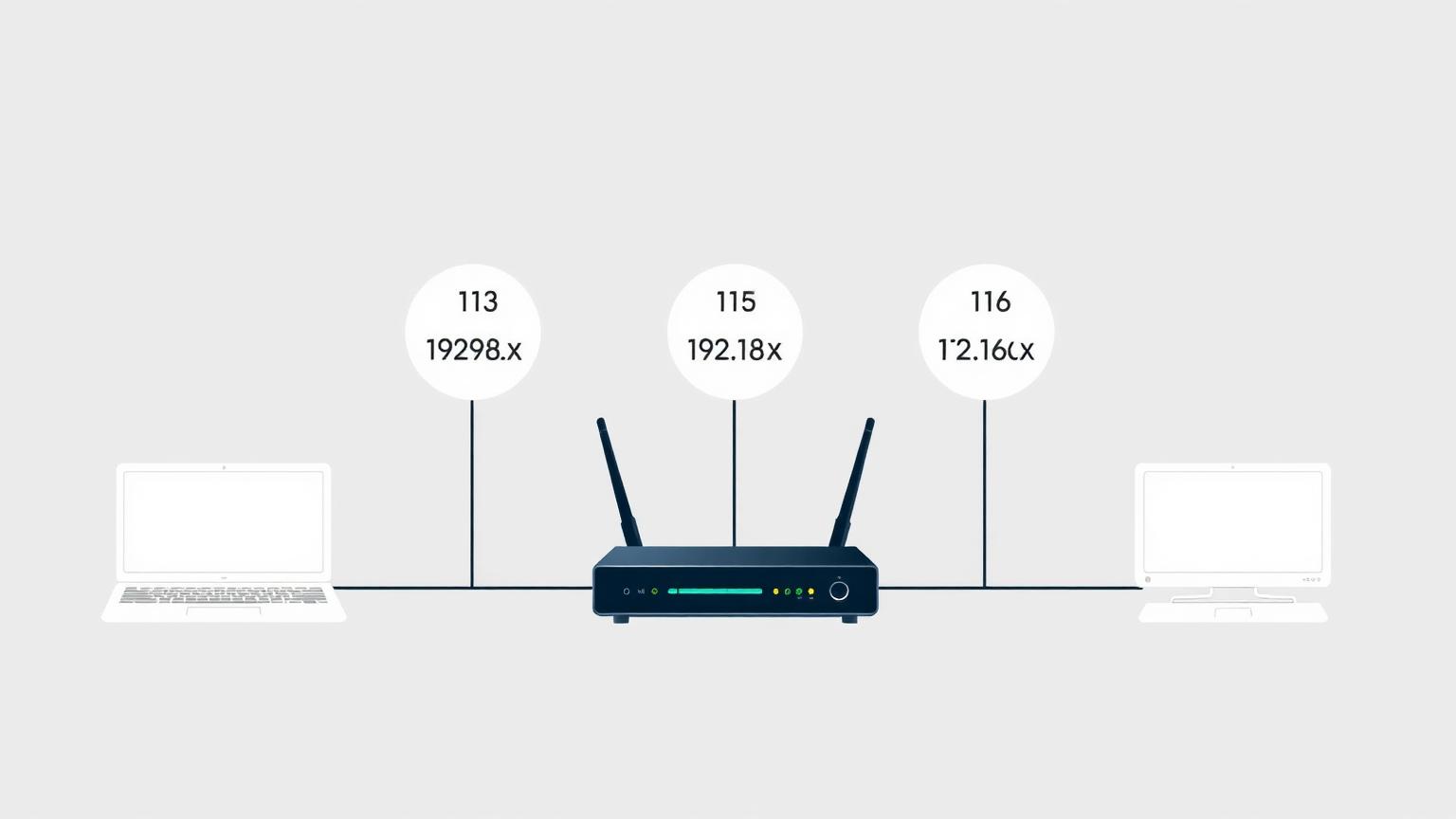
If you have ever opened your router settings or run a network command and seen an address like 192.168.1.5, you have already met your private IP address. But what is my private IP, exactly, and why does it matter? This complete guide explains what a private IP address is, how it differs from a public IP, how to find your private IP on every device, and answers the most common questions about local IP, internal IP, and online safety.
What Is a Private IP Address?
A private IP address is a unique identifier assigned to a device inside a local network, such as your home Wi-Fi, office LAN, or mobile hotspot. Unlike a public IP, which the internet uses to route traffic to your router, a private IP only works behind that router. Your laptop, phone, smart TV, printer, and gaming console each get their own private IP so the router knows which device requested which data.
Private IP addresses are also called local IP addresses or internal IP addresses. All three terms refer to the same thing: an address that exists only inside your network and is invisible to the public internet.
Private IP vs Public IP: The Key Difference
Your public IP is what websites and online services see when you connect. Your private IP is what your router sees. A simple analogy: your public IP is like your street address, while your private IP is like the apartment number inside the building. Mail (data) reaches the building using the street address, then the doorman (router) delivers it to the right apartment using the internal number.
This separation is made possible by Network Address Translation (NAT), which lets dozens of devices share a single public IP while each keeping a unique private IP behind the scenes.
Private IP Address Ranges (RFC 1918)
The Internet Engineering Task Force reserved three blocks of IP addresses exclusively for private networks. If your address falls in any of these ranges, it is a private IP:
- 10.0.0.0 to 10.255.255.255 (often used by large enterprise networks)
- 172.16.0.0 to 172.31.255.255 (common in business routers)
- 192.168.0.0 to 192.168.255.255 (the range almost every home router uses)
That is why your IP probably starts with 192.168. Home router manufacturers like TP-Link, Netgear, ASUS, and most ISP-supplied gateways default to 192.168.0.1 or 192.168.1.1 as the gateway, then hand out addresses such as 192.168.1.2, 192.168.1.3, and so on to each connected device.
How to Find My Private IP on Any Device
Finding your private IP takes less than a minute. Here is how to find your local IP on the most common platforms.
### Find Private IP on Windows
Open Command Prompt and type `ipconfig`. Look for the line labelled IPv4 Address under your active adapter (Wi-Fi or Ethernet). The value, typically something like 192.168.1.42, is your internal IP address.
### Find Private IP on macOS
Open System Settings, choose Network, then select your active connection. The Wi-Fi or Ethernet panel shows your IP address directly. Power users can also run `ifconfig` or `ipconfig getifaddr en0` in Terminal.
### Find Private IP on Linux
Open a terminal and run `ip addr show` or `hostname -I`. The address near your active interface (often eth0 or wlan0) is your private IP.
### Find Private IP on iPhone and iPad
Open Settings, tap Wi-Fi, then tap the small info icon next to the connected network. Your IP Address is listed under the IPv4 Address section.
### Find Private IP on Android
Open Settings, choose Wi-Fi or Network and Internet, tap the connected network, then expand Advanced or Network Details. Your private IP appears alongside the gateway and subnet mask.
Why Private IPs Exist
Private IPs solve a real problem: there are not enough IPv4 addresses to give every device on the planet a unique public one. By letting billions of home and office networks reuse the same private ranges internally, NAT massively extends the lifetime of IPv4 and adds a basic layer of isolation between your devices and the open internet.
Examples of Private IPs in Real Life
- Your laptop on home Wi-Fi: 192.168.1.10
- Your smart TV on the same network: 192.168.1.15
- Your office workstation: 10.0.5.22
- Your phone connected to a corporate guest network: 172.16.4.7
All of these are valid private IP addresses, and none of them can be reached directly from the public internet without port forwarding or a VPN tunnel into the network.
Frequently Asked Questions
### Is a private IP safe?
Yes, a private IP is generally safe to share. Because it only exists inside your local network, knowing the address 192.168.1.10 tells an outsider almost nothing useful. They cannot reach that device from the internet without first compromising your router or being on your Wi-Fi. The real security risks are weak Wi-Fi passwords, outdated router firmware, and exposed admin panels, not the private IP itself.
### Can someone track my private IP?
No, your private IP cannot be tracked across the internet. Websites only see your public IP, never the internal address your router assigned to your device. Tracking a private IP would only be possible for someone already on the same local network, such as a roommate or a coworker on the same office LAN. Even then, a private IP reveals only the device, not your real-world identity.
### Why does my IP start with 192.168?
Your IP starts with 192.168 because that range is reserved by RFC 1918 for private home and small-office networks, and almost every consumer router ships with 192.168.0.1 or 192.168.1.1 as its default gateway. When a new device joins your Wi-Fi, the router automatically hands out the next available address inside that 192.168.x.x block.
### Can two devices have the same private IP?
Not on the same network. Your router will refuse to assign duplicates, but the same private IP, like 192.168.1.5, can absolutely exist on millions of unrelated home networks at the same time without conflict.
### Does changing my private IP hide me online?
No. Changing your local IP only affects how your router talks to your device. To change what the public internet sees, you need to restart your modem, contact your ISP, or use a VPN that masks your public IP.
### What is the difference between local IP and internal IP?
There is no difference. Local IP, internal IP, and private IP are three names for the same address: the one your router assigns to a device inside your network.
Final Thoughts
Understanding what your private IP is gives you better control over your home network, makes troubleshooting Wi-Fi issues easier, and clears up common privacy myths. Whenever you need to find your private IP again, run `ipconfig`, `ifconfig`, or check your device settings, and you will see your local internal address in seconds.